Essential Tech Upgrades for the Distributed Workforce
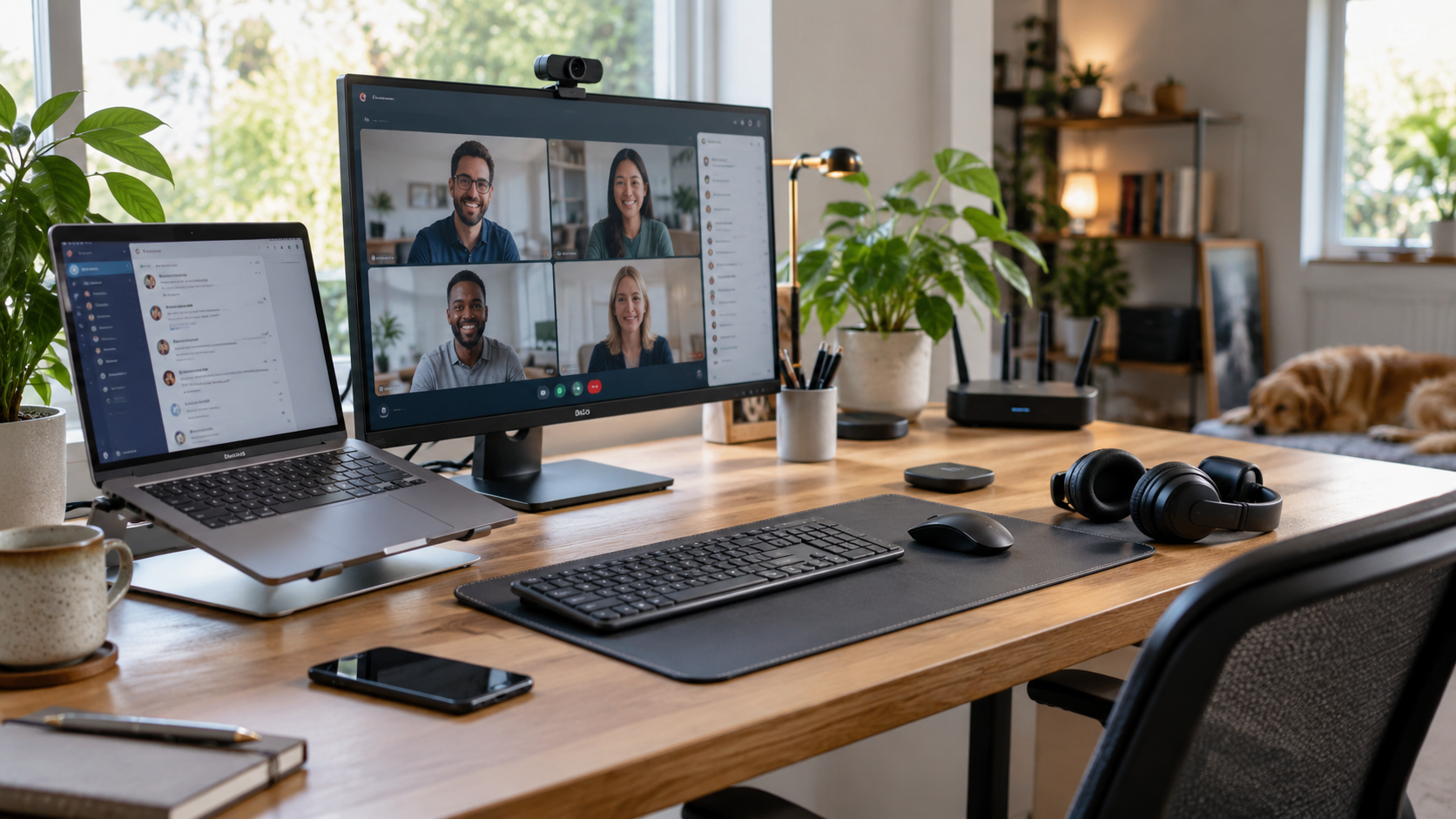
The dining table isn't a desk. It never was. A laptop balanced on a stack of cookbooks might have survived the early days of decentralised teams, but that setup is well past its use-by date. The era of hybrid work demands proper tools. Not just a slick laptop. Real, robust hardware that keeps productivity high and chiropractor bills low. Organisations expecting top-tier output need to provision top-tier gear. It really is that simple.
Dual Screens Are Non-Negotiable
Staring at a 13-inch screen for eight hours is a recipe for eye strain and missed details. Spreadsheets need space. Video calls demand their own real estate. Supplying remote staff with dual 27-inch monitors transforms how tasks get done. Suddenly, cross-referencing documents takes seconds instead of an endless loop of alt-tabbing. Pair this with a decent ergonomic chair. A kitchen stool is a literal pain in the neck. Proper lumbar support keeps staff focused on the job, not their aching backs. One Sydney accounting firm saw a 14% jump in billable hours just by upgrading home office seating and screens. Comfort equals focus.
The Paper Trail Still Exists
Digital transformation is brilliant. Yet, certain industries still run on physical paper. Legal contracts, architectural plans, and financial audits frequently require hard copies for review and markup. Leaving staff to rely on a cheap retail inkjet that runs out of ink every Tuesday is a massive productivity killer. Supplying remote workers with enterprise-grade business printers changes the game completely. These devices handle heavy loads quickly. They scan multi-page documents without jamming. No more running down to the local Officeworks just to scan a signed contract.
Sounding Like a Professional
Built-in laptop microphones are notoriously dodgy. They pick up the neighbour's dog barking just as well as the speaker's voice. High-quality headsets with active noise cancellation are essential upgrades. They block out the background chaos of a busy household, ensuring the focus remains on the meeting agenda. Good audio stops people from having to repeat themselves constantly. It saves time. Seriously.
Looking the Part
Then there's the visual element. Grainy, low-resolution video makes a terrible impression on client calls. A dedicated 1080p or 4K webcam positioned at eye level makes virtual interactions feel far more professional. It shows clients that the company takes communication seriously. Nobody wants to look up someone's nose during a quarterly review, do they? A proper camera angle fixes that instantly. Investing in a simple LED ring light also eliminates harsh shadows. It instantly elevates the production value of any remote presentation.
The Backbone of Productivity
Ever wondered why some staff constantly drop off calls? Standard ISP routers often struggle to manage multiple high-bandwidth devices simultaneously. Upgrading remote staff to modern mesh Wi-Fi systems eliminates dead zones. It guarantees a stable connection for those crucial video pitches. Consider the account manager who lost a major pitch because their connection dropped at the vital moment. That single drop cost thousands of dollars. A good router costs a fraction of that. Good connectivity isn't a luxury. It's the foundation of remote output.
Beyond Basic Chat
Hardware needs the right software to shine. Basic chat apps only go so far. Teams need comprehensive project management platforms that track progress in real time. Moving away from messy email chains to structured, channel-based communication saves hours of searching for lost files. It keeps everyone on the exact same page. Transparency increases dramatically. Bottlenecks become visible instantly, allowing managers to unblock tasks before they derail a project entirely.
Keeping Track of the Fleet
Managing equipment across three different states is a logistical nightmare without mobile device management software. IT departments need the ability to push updates, troubleshoot issues, and monitor device health remotely. This prevents minor software glitches from turning into days of lost productivity. A seamless IT support experience keeps remote staff feeling connected and supported, rather than isolated on an island of broken tech. When a laptop throws a wobbly, remote IT support needs to step in instantly.
Locking Down the Digital Perimeter
Scattered devices mean a scattered risk profile. The home network is notoriously porous. Unpatched smart TVs and cheap smart plugs share the same Wi-Fi as company laptops containing sensitive client data. Implementing a zero-trust architecture is absolutely vital. Every device, user, and application must be verified constantly. Relying on outdated VPNs is asking for trouble. A modern approach to cyber security ensures that a compromised home network doesn't become a gateway into the corporate server. Cybercriminals actively target remote workers knowing their home defences are often weaker. Blocking these threats at the endpoint keeps the entire organisation safe.
The Little Things Count
Power outages happen. A sudden blackout during an unsaved presentation is devastating. Uninterruptible power supplies give staff the crucial five minutes needed to save work and shut down safely. It's a small investment that prevents massive headaches. Then there are the peripherals. A mechanical keyboard and a high-precision mouse reduce wrist fatigue. They make the physical act of working far more comfortable. When staff aren't fighting their equipment, the hard yakka gets done faster.
Upgrading a distributed workforce isn't about handing out flashy perks. It's about removing friction. Every slow load time, every dropped call, and every jammed piece of paper drains focus. Providing the right tools clears the path. It allows skilled professionals to actually do the job they were hired to do. Businesses that understand this retain their best talent. Those that don't will watch their top performers leave for competitors who do. That's where real efficiency lives.